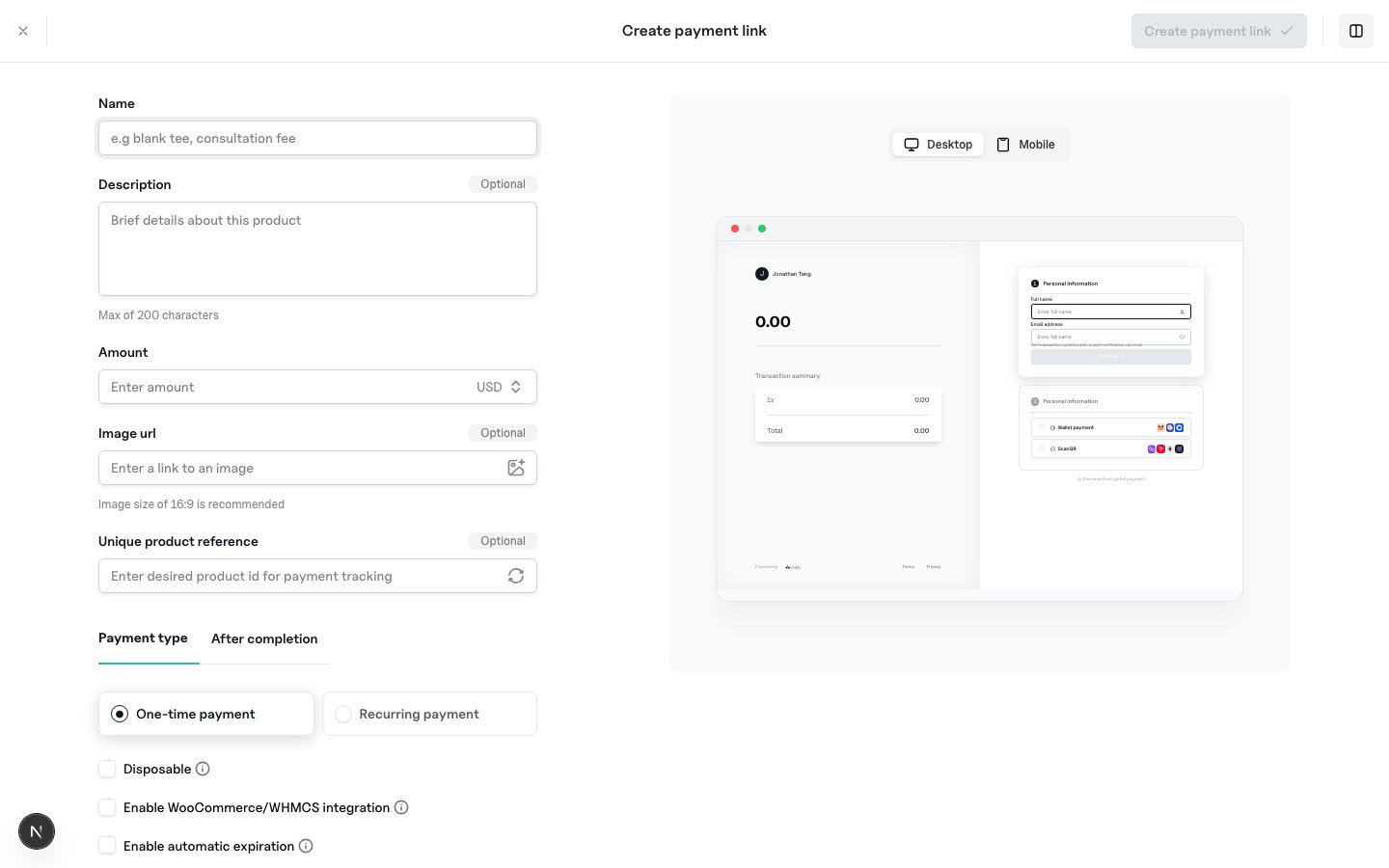
name, amount, currency | Required |
type | OneTime or Recurring (defaults from interval if omitted) |
interval, intervalCount | Recurring cadence (Day, Week, Month, Year, …) |
account_ids / account_ref | Settlement targets: see Account-Specific Paylinks |
available_quantity | Remaining purchases; 1 for single-use |
expires_at | Future expiry timestamp |
image_url, description, reference, metadata | Presentation and bookkeeping |
after_completion | Checkout outcome: type (hosted or redirect), redirect_url (success), failure_redirect_url (expired link or Failed payment). Redirect URLs are max 512 characters. Extra keys are stored and returned. Also present on get and list paylink responses. |
metadata.customer_fields | Extra identity fields collected at checkout: address, date_of_birth, email, name, nationality, phone, place_of_birth. Name and email are always collected. Prefill names and the nationality code format are in Paylink Features. |