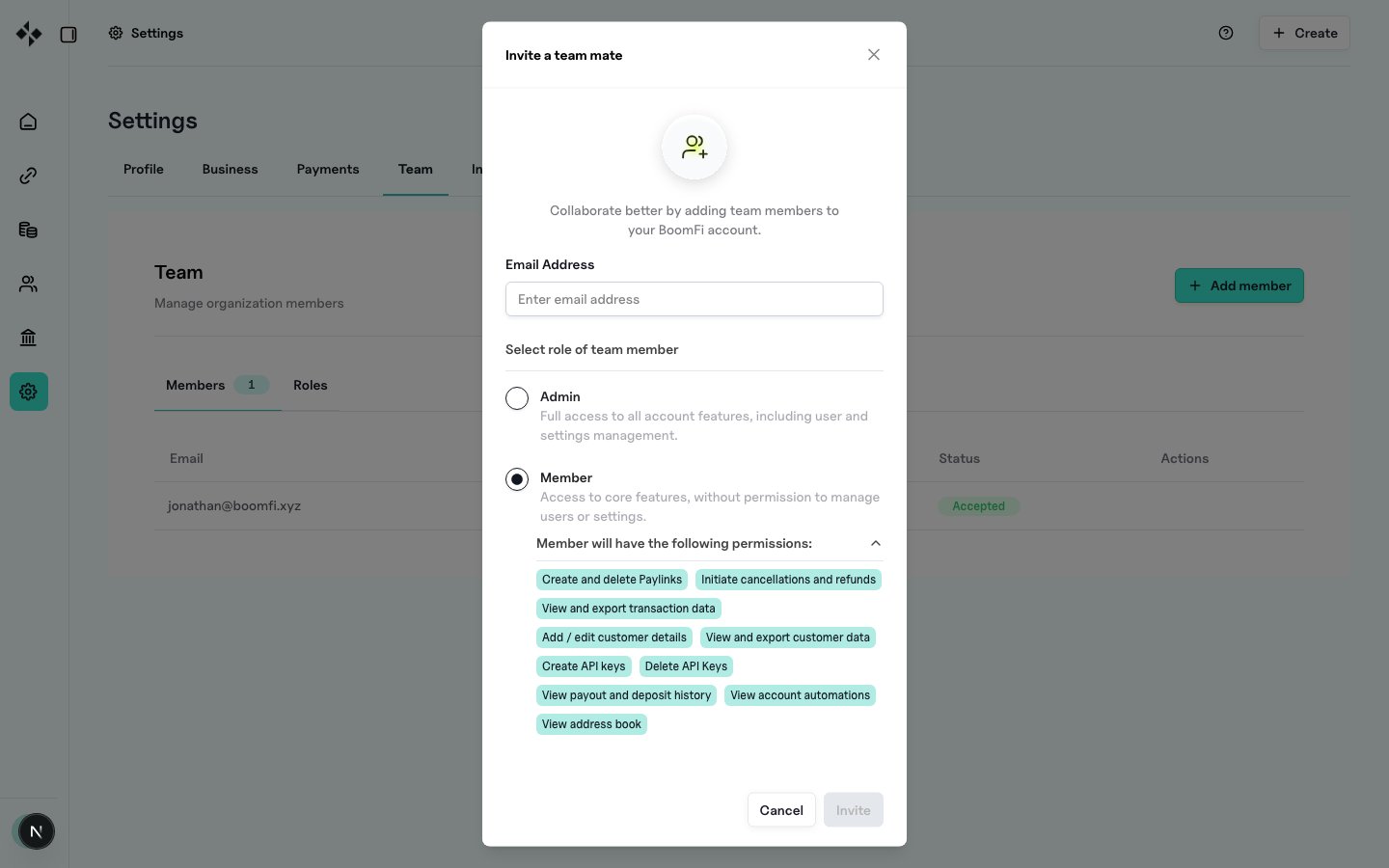
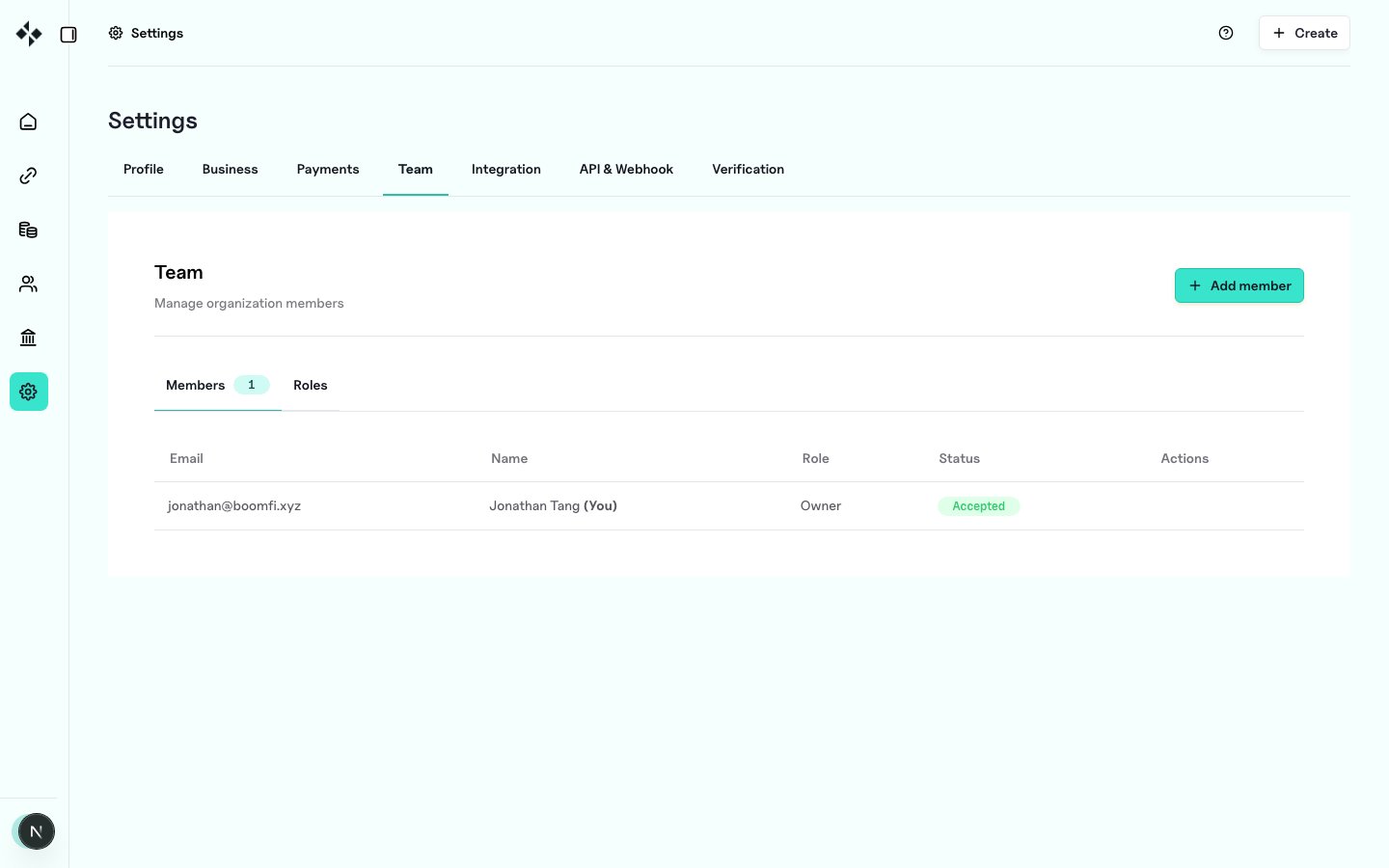
https://merchants.zbx.boomfi.xyz/dashboard/settings/members
Role summary
- Owner: full organisation control, including delete and organisation-level settings
- Admin: full management of team, funds transfer, API keys, settlement, and webhooks (except organisation delete)
- Member: create and manage pay links, view/export customers and transactions, refunds and cancellations
- Accountant: view and export customers and transaction data only
Invite a teammate
- Open the Team page
- Click Add user (or equivalent)
- Enter work email and choose a role
- Send the invite