> ## Documentation Index
> Fetch the complete documentation index at: https://docs.zbx.boomfi.xyz/llms.txt
> Use this file to discover all available pages before exploring further.
# Payments Settings
> Configure crypto settlement chains and underpayment tolerance.
Open **Settings → Payments / Settlement** to configure how crypto payments settle and how far underpaid invoices can still complete.
`https://merchants.zbx.boomfi.xyz/dashboard/settings/settlement`
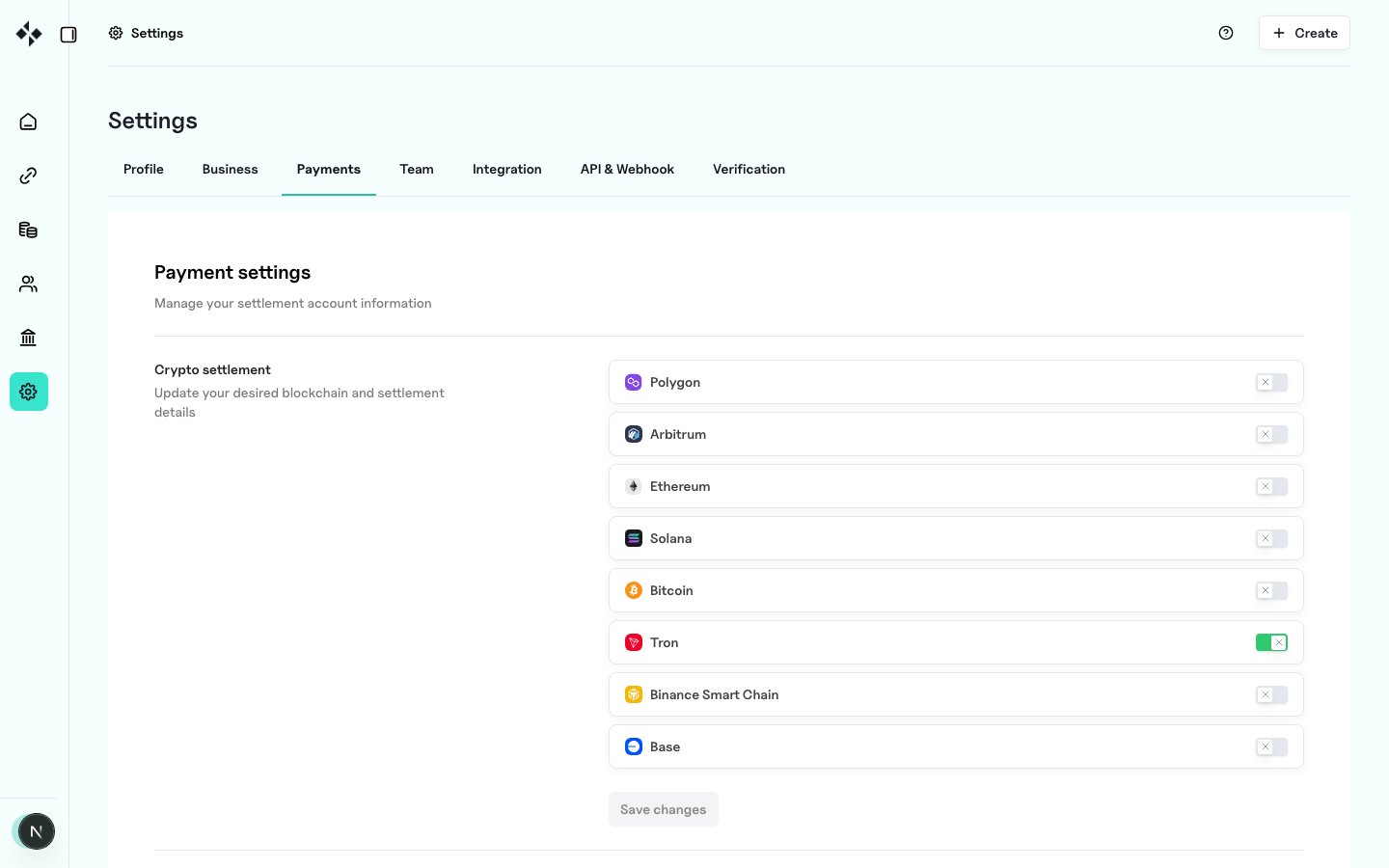
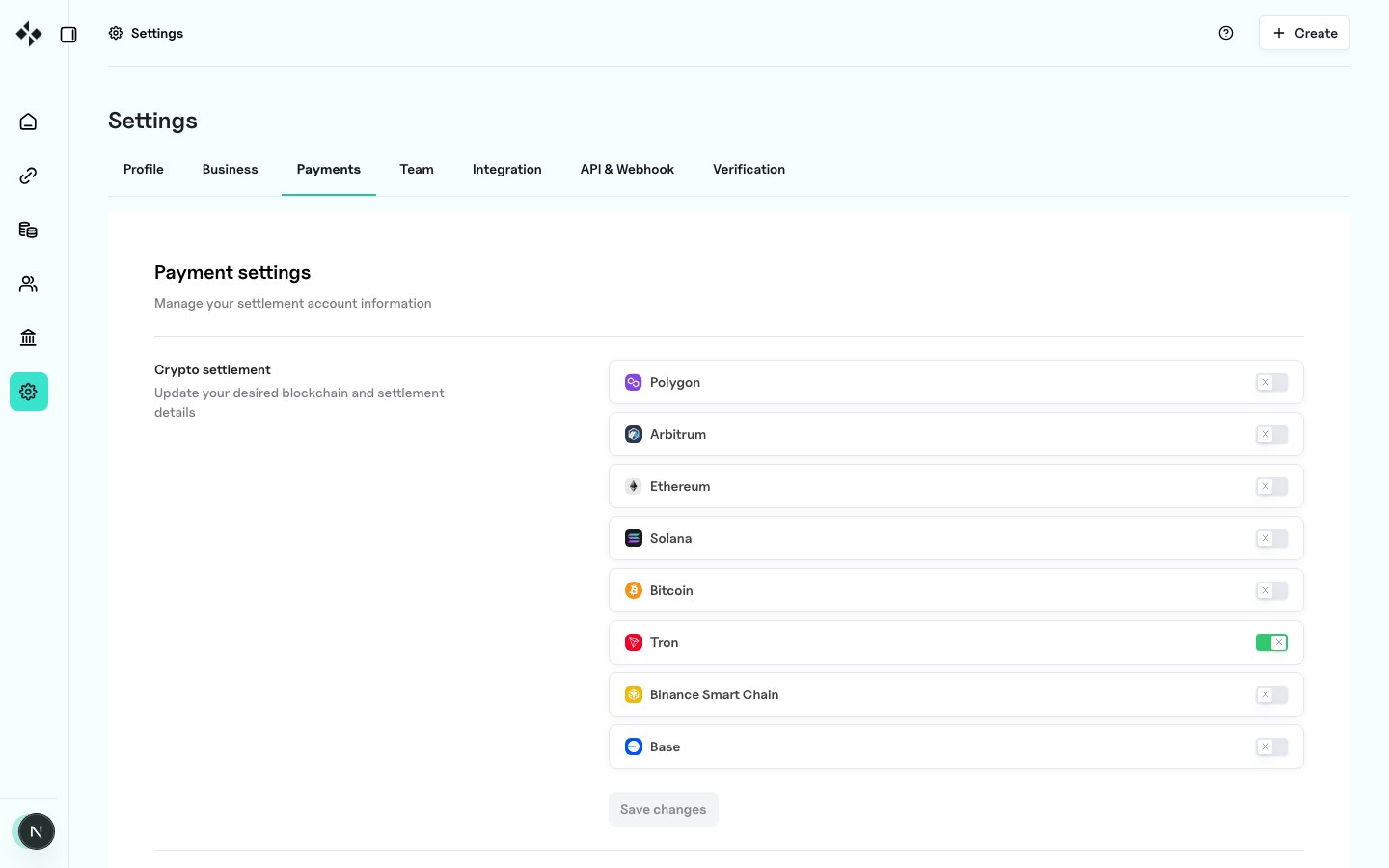 ## Crypto settlements
For each supported blockchain you enable:
1. Toggle the network on
2. Set the **settlement address** for that chain
3. Select the **currencies** you accept on that chain
4. Save
See also [Settlement Accounts](/settlement/settlement-accounts) and [Networks and Currencies](/pricing/networks-and-currencies).
## Crypto settlements
For each supported blockchain you enable:
1. Toggle the network on
2. Set the **settlement address** for that chain
3. Select the **currencies** you accept on that chain
4. Save
See also [Settlement Accounts](/settlement/settlement-accounts) and [Networks and Currencies](/pricing/networks-and-currencies).
 ## Underpayments
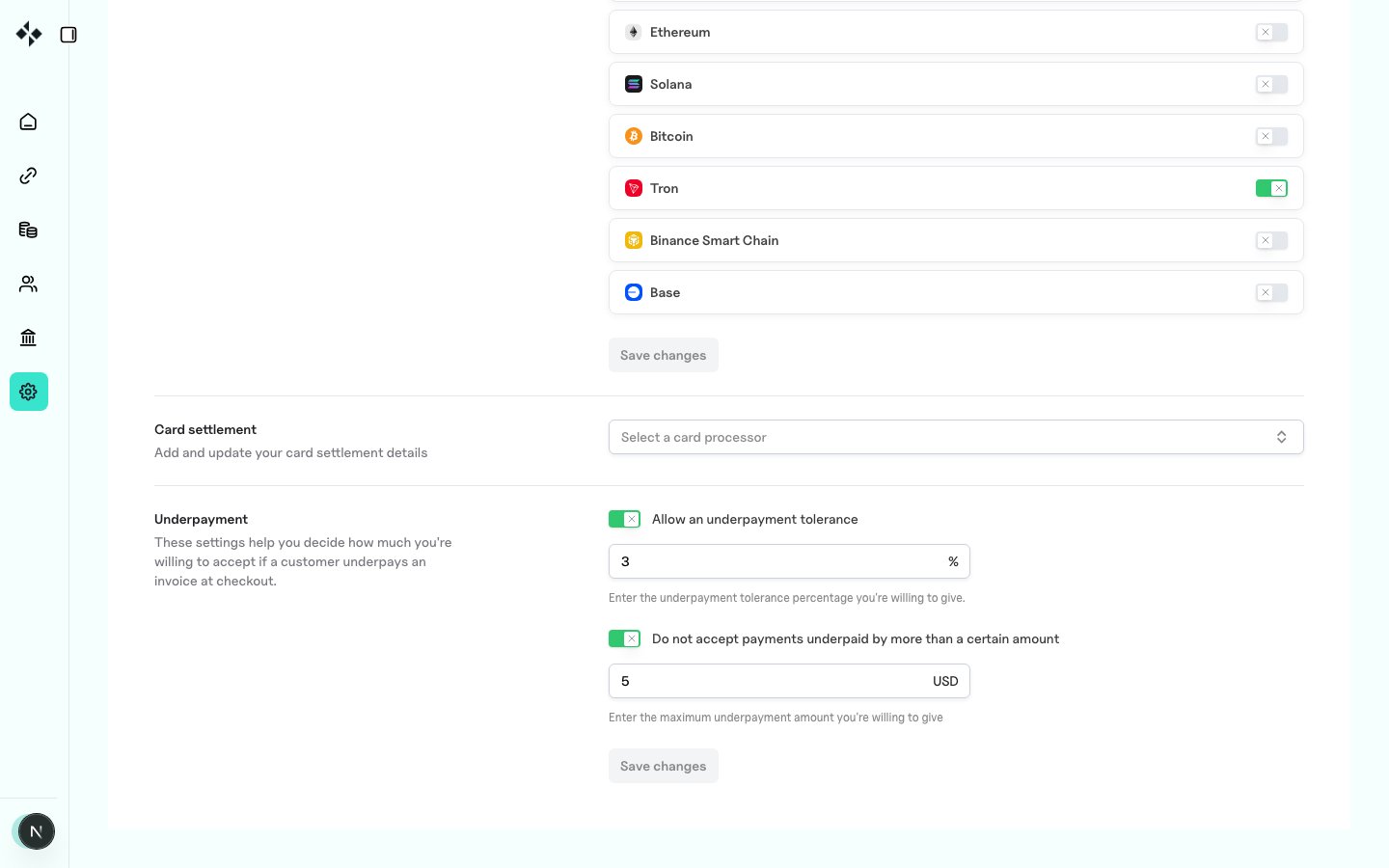
Underpayment settings define how much shortfall you accept at checkout when a customer pays less than the invoice amount.
| Setting | Meaning |
| ------------------------------------- | ------------------------------------------------------------------- |
| Acceptable underpayment percentage | Relative tolerance (for example 1% of a $100 invoice → accept $99+) |
| Maximum allowable underpayment amount | Hard USD (or stable-unit) cap on the shortfall |
### Combining percentage and amount
If both are set, the **percentage** tolerance applies, and the **fixed amount** acts as a **hard cap**.
Example with **1%** and **\$5**:
* $100 invoice → accept about $99 and above
* $1,000 invoice → $995 and above (1% = $10, but the $5 cap wins)
## Underpayments
Underpayment settings define how much shortfall you accept at checkout when a customer pays less than the invoice amount.
| Setting | Meaning |
| ------------------------------------- | ------------------------------------------------------------------- |
| Acceptable underpayment percentage | Relative tolerance (for example 1% of a $100 invoice → accept $99+) |
| Maximum allowable underpayment amount | Hard USD (or stable-unit) cap on the shortfall |
### Combining percentage and amount
If both are set, the **percentage** tolerance applies, and the **fixed amount** acts as a **hard cap**.
Example with **1%** and **\$5**:
* $100 invoice → accept about $99 and above
* $1,000 invoice → $995 and above (1% = $10, but the $5 cap wins)
 ### Field names (API / config)
```typescript theme={null}
interface UnderpayThresholds {
underpay_tolerance_percent?: number; // acceptable underpayment percentage
underpay_tolerance_usd?: number; // maximum allowable underpayment amount
}
```
## Related
* [Settlement Overview](/settlement/overview)
* [Payment Links](/payments/paylinks)
### Field names (API / config)
```typescript theme={null}
interface UnderpayThresholds {
underpay_tolerance_percent?: number; // acceptable underpayment percentage
underpay_tolerance_usd?: number; // maximum allowable underpayment amount
}
```
## Related
* [Settlement Overview](/settlement/overview)
* [Payment Links](/payments/paylinks)